

Installation guide for the TS Performance MP-8 module for 2003-2006 Dodge 24V 5.9L Cummins light-duty trucks (part #1110301 / #1110302 / #1110303). Confirm all listed contents are present, then follow the steps to install the MP-8 for stronger throttle response and power.
Download the Original PDF Manual
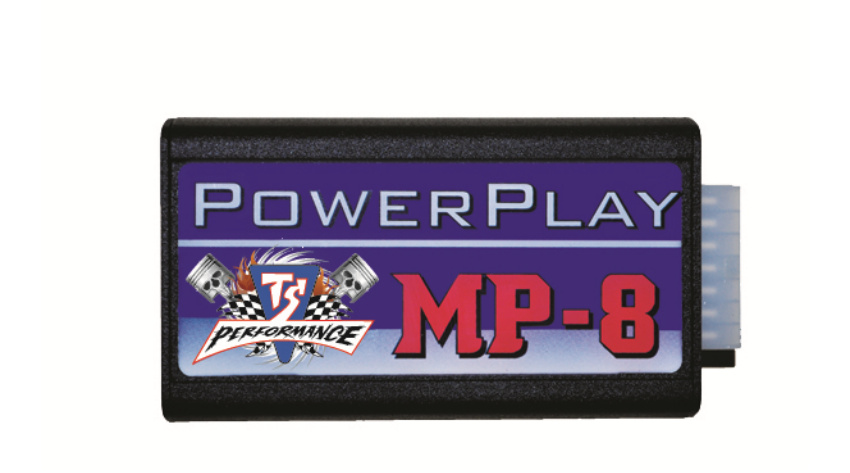
Thank you for buying the MP-8 for the 5.9L Cummins Light Duty. This guide shows you how to install the MP-8 into your truck. Power increases as you turn the adjustable switch clockwise — 0–100 HP over stock.
WARNING: This is a high-performance product. Use at your own risk. For off-road use only.
Kit Contents
Before you get started, check that everything below came in the box:
- MP-8 Module
- Harness (TSP01DO)
- Switch (TSP100)
- Velcro (1)
- Zip Ties (2)
- Installation Manual
Before You Begin
IMPORTANT: Read all instructions and fully understand them before installing your TS Performance MP-8 module. Disconnect the battery terminals and remove the keys from the ignition before installation. Apply dielectric grease to every electrical connection.
Installation
- Find a proper location for mounting the module. We recommend the fuse and relay center on the driver’s side of the engine compartment, in front of the battery. Use the supplied Velcro to fasten the module to the fuse box.
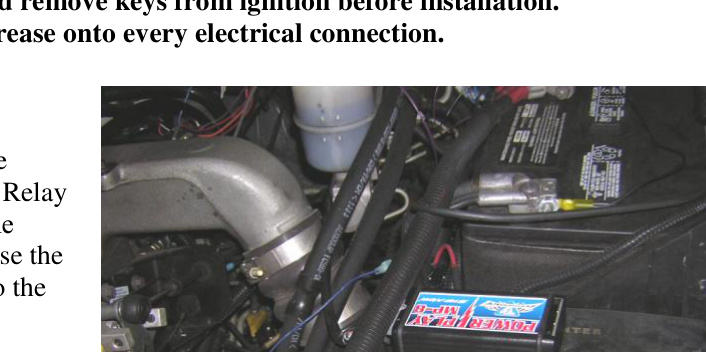
MP-8 module mounted to the fuse and relay center, in front of the battery on the driver’s side. - Locate the MAP sensor just beside the valve cover on the driver’s side of the engine. It has a blue weather-tight seal. Disconnect the plug and connect the supplied connectors in-line.
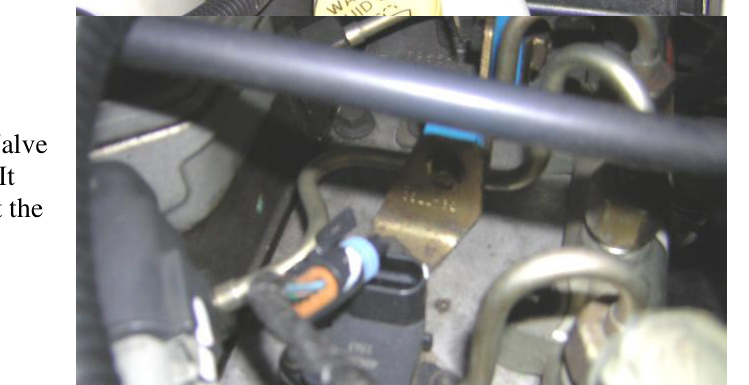
MAP sensor (blue weather-tight seal) beside the valve cover — connect the supplied connectors in-line. - Locate the fuel pressure sensor just in front of the MAP sensor. Disconnect the plug and connect the supplied connectors in-line.
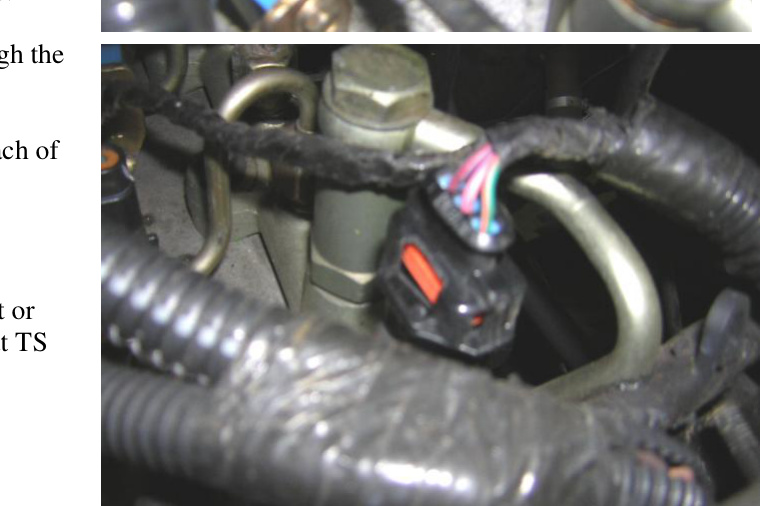
Fuel pressure sensor, just in front of the MAP sensor — connect the supplied connectors in-line. - Route the adjustable switch wire through the firewall to the MP-8 module.
- Mount the switch on the dash within easy reach of the driver.
- Reconnect the battery terminals.
Adjusting the Power Level
Power increases as you turn the switch clockwise, from 0 to 100 HP over stock. Start low and increase gradually to suit your driving conditions.
Technical Support
If you have any questions about the product or its installation, contact TS Performance technical support at (270) 746-9999.